Multiple Telegram admins: clear ownership, logs and reliable handoffs
Coordinate moderators across shifts, prevent duplicate penalties, verify Defendy logging and record setting changes with a clear owner and recovery plan.
One moderator removes an advertisement and issues a warning. Another sees a member's report and adds a second warning without noticing the first. A third tightens the filter. The member is now restricted, but nobody can clearly explain which decision caused it.
More administrators can improve availability. They do not automatically create a coordinated team. The essential agreements are simpler: one person owns the current case, one person coordinates a settings change, and somebody with sufficient authority can reverse a mistake.
The workflow below can live in an ordinary private team chat or document. It is a proposed human operating procedure, not a Defendy shared inbox, approval system or review queue.
When one shift can no longer handle the incoming cases, use the large-group moderation plan to align message volume, staffing and the amount of manual review.
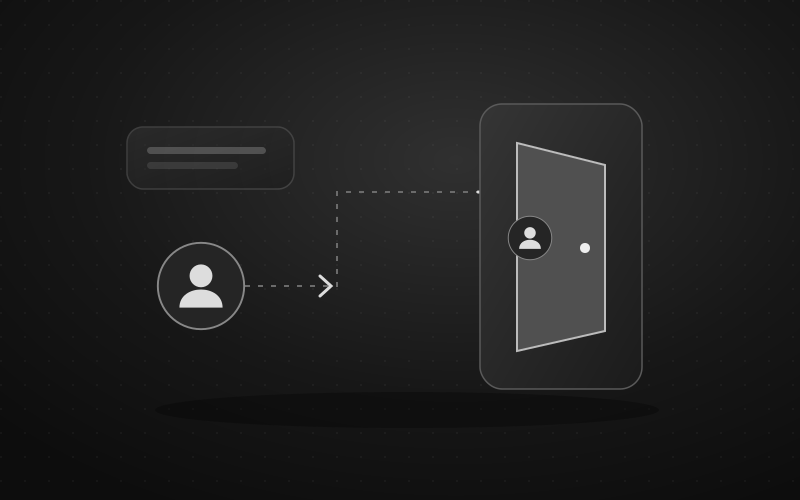
Before assigning reports, explain how members can call a moderator and who can see the report. A public call for the team is unsuitable for sharing someone else's private details.
Assign jobs before granting authority
“Shift moderator,” “settings owner” and “appeal reviewer” describe responsibilities here, not additional bot roles. A small team can combine jobs, but each job still needs a named owner and backup.
| Responsibility | Decision they own | What they leave for the next person |
|---|---|---|
| Shift moderator | Immediate action on a specific message or member | Case reference, reason, action and duration |
| Settings owner | A filter, warning-policy or group-mode change | Before/after values, test and rollback condition |
| Appeal reviewer | Whether a decision needs correction | Finding, restored access and rule correction |
| Incident lead | Who does what during coordinated disruption | Active temporary measures and reopening owners |
| Access owner | Who needs which authority | Reviewed native rights and bot roles |
Do not grant everyone full authority merely to make shifts interchangeable. If a moderator needs help with a ban decision, agree on a specific escalation contact. A backup who is routinely unavailable is not a working escalation path.
Keep four control layers separate
Telegram administrator rights control administration of the chat. Deleting messages, restricting members and appointing administrators are different platform powers. Telegram's administrator-rights reference
Telegram member permissions govern normal participation and individual restrictions. They do not assign responsibility within the team. See the separate member permissions guide.
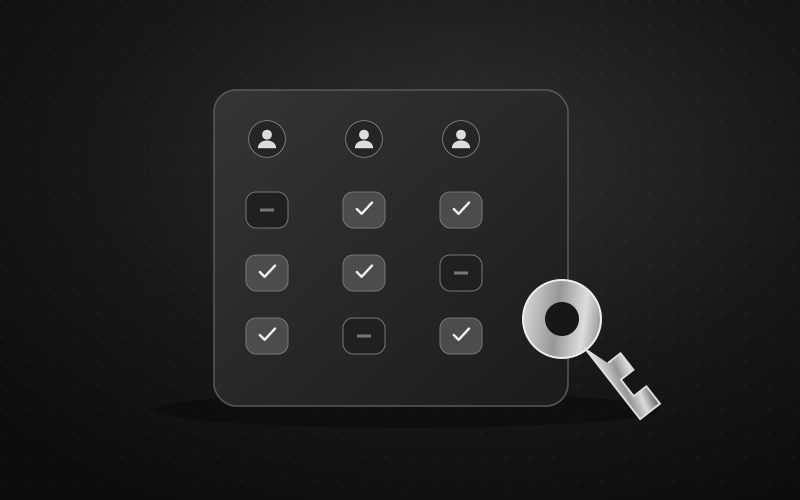
Defendy roles authorize supported commands. The current Junior moderator role can warn and mute, but cannot unmute. Moderator can delete messages, warn, mute, kick and remove bans, but cannot issue bans. Administrator and higher roles have broader moderation and settings access; role assignment is also constrained by the hierarchy.
Mini App settings determine how modules behave for the selected group. They are not a custom permissions builder for each volunteer. Match responsibilities to the actual Defendy role matrix, and use the Telegram admin guide for native rights.
Testing requires a further distinction. The reviewed Defendy message pipeline skips native Telegram administrators before automatic filtering. Its internal Exempt member, Co-founder and Owner roles also carry filter immunity. The internal Administrator role alone does not. A test posted by an administrator therefore cannot stand in for an ordinary member's experience.
One case, one current owner
A short team message is enough to establish ownership: “I'm checking this message; please hold further warning points while I review it.” Other moderators can add context without automatically repeating the punishment because another report arrived.
A workable sequence is:
- Open the original message, identify the correct member and check existing actions. A report is a reason to investigate, not proof of a violation.
- Establish whether a filter or another moderator already acted. Use available log entries and bot responses.
- Identify the rule and select an appropriate response. State whether this is the same incident or a separate, subsequent violation.
- Record the result: message removal, warning points and any active restriction with its duration.
- For a handoff, obtain explicit acceptance from the next owner. A sent note does not establish that someone read it.
You can agree on an urgent exception: an available authorized moderator stops immediate harm, such as exposed personal information, then promptly records what they did. That exception is a team policy, not a special Defendy emergency control.
Correct duplicate warnings carefully
/warns shows the current total, not a detailed incident history. First reconcile the message, timing and available records. /unwarn subtracts one point: it does not remove the entire weight of a three-point filter event.
Do not casually use /resetwarns to repair one duplicate. It clears the total and applied-tier state, including legitimate points. Correcting points also does not lift a mute or ban that has already happened. Check access separately and use the appropriate recovery command. Warnings and corrections
Configure logs around the questions you need answered
A log helps only when the relevant category is enabled and the event reaches a destination your team can read. It is not a guaranteed transcript of every message, every Telegram action or every setting change.
Defendy's main logging switch is off by default. The moderation, filter, member and administrator categories default to on; the other-events category defaults to off. Enabled category values do not deliver events unless logging itself and its destination are configured.
To set it up:
- In Settings → My groups, choose the correct group and open Action log.
- Follow the destination wizard. It uses the separate @defendy_logs_bot, not merely the main moderation bot's presence in the source group. Add the logging bot to the chosen group or channel through the wizard and complete verification.
- Confirm the detected destination or enter its chat ID manually. A topic also requires a topic ID. Check that this is the team's intended destination and that unrelated people cannot read it.
- Enable logging and select the required categories. A forum destination can route categories to separate topics; an empty override falls back to the main topic.
- Generate an agreed harmless test event and find its actual record. Repeat the test after changing the destination or the bot's access.
The logging guide covers destination setup and topic routing. If an expected record is absent, check the main switch, category, destination and the logging bot's ability to write. A missing entry is not evidence that no action occurred.
Treat log access as its own permission
Give access to people who need to review moderation. Check the destination's membership independently of the main group's administrator list. Assigning a Defendy role does not automatically invite somebody into a private logging group.
Avoid copying unnecessary identity documents, phone numbers or complete private conversations into team notes. A case reference, relevant excerpt, rule and outcome will often be more useful. Agree on how long operational notes are needed and how to remove obsolete material. These are privacy-minded operating recommendations, not a claim of a certified compliance mode in the product.
Change settings serially, with a recovery note
Before a significant edit, the settings owner opens the current values and announces the change. Other moderators avoid editing the same module until the owner has saved, reopened it and reported the observed state. This practice reduces conflicting decisions; it does not replace checking what actually saved.
Keep the change note short:
- Exact group and reason for the change
- Previous and new values
- Expected result for an allowed example and a prohibited example
- Person testing from a regular, non-exempt account
- Restoration owner and the condition for reverting
Changing a warning profile requires inspecting every resulting tier and duration. “Mild” does not mean “contains no ban.” If a temporary measure changes native Telegram member permissions, record their normal state separately from the Mini App filter settings.
When you administer several groups, repeat selection, saving and verification for each one. Switching groups is not a bulk rollout, and authority in one group should not be assumed to apply to another.
A handoff that survives a time-zone change
This is a hypothetical note, not a real incident report. Use an explicit time zone and replace the names and references with your team's actual information.
Group: main project discussion. Last checked at 18:10 UTC. Current case owner: Maya. Next shift: Leo.
Case: repeated promotional message, with its reference available to the team. Message removed; one manual warning has already been issued. Do not add another warning for that same message.
Settings: filters unchanged. Voice messages temporarily restricted at the group level; previous value recorded in the change note. Leo will review that measure at 19:00 UTC.
Pending: the member disputes the warning. Sam, who did not issue it, is reviewing the original discussion. No final response has been sent.
Accepted: Leo confirms reading this note and owning the 19:00 UTC review.
The note separates established facts, temporary measures and unfinished decisions. If Leo has not accepted, the transfer is still pending. If nobody is available, state when the next review can realistically happen rather than implying round-the-clock coverage.
Review appeals without reopening the argument in public
Publish a review contact outside the group so a banned member still has a route to a person. Where possible, choose a reviewer who did not make the original decision. Give them the rule, relevant context, actions already taken and the member's explanation.
The outcome should answer two different questions: was the decision justified, and what still needs to be corrected? A mistaken restriction may require restoring access, fixing warning points and narrowing the triggering filter. Removing a ban does not reconstruct deleted messages.
Record the reason for the review outcome and tell the person what changed. Do not turn a private appeal into a public debate or promise an automated appeals portal that your team does not have.
Offboard across every access layer
When a moderator leaves, inspect native Telegram administration, Defendy roles, and access to logs and team documents separately. A person may hold several roles; removing one does not prove all remaining authority is gone.
After changing Telegram administrators or their rights, run /reload and verify the relevant role lists and actual access. Transfer unresolved cases and every temporary setting that still has a restoration deadline. Do not let “the person who changed it has left” become a reason a restriction remains indefinitely.
The goal is not a claim that mistakes disappear. It is a team that can establish what happened, prevent duplicate punishment and reverse an error without guessing.
Sources and review boundary
Reviewed on 5 October 2026 against Telegram's primary administrator reference, Defendy's current roles, filtering and logging implementation, and its user documentation. Responsibility assignments, appeal procedures and the sample handoff are editorial proposals. Source review does not verify delivery of every event in a live production group.